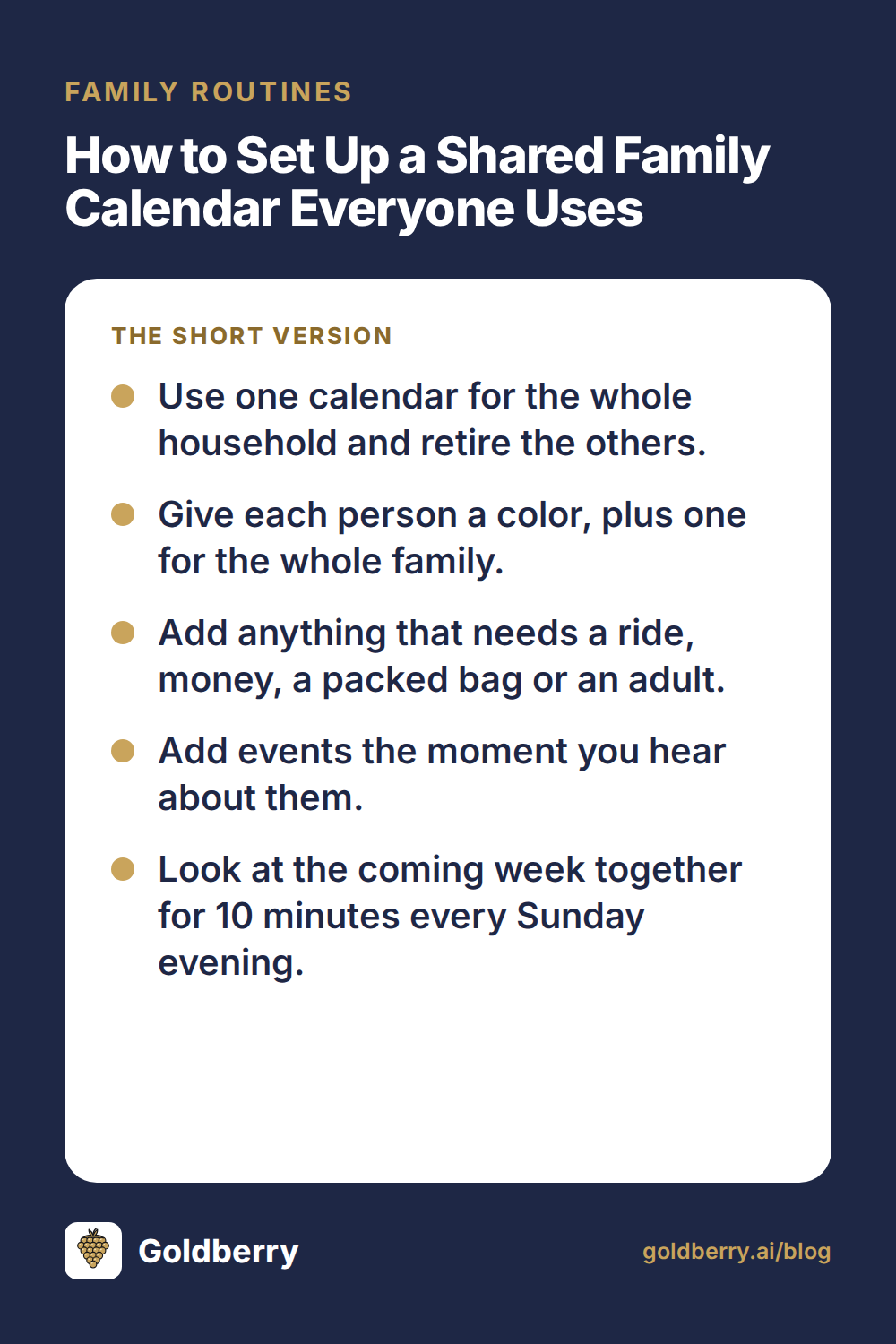
How to Set Up a Shared Family Calendar Everyone Uses
Set up a shared family calendar in one evening: a color per person, clear rules for what goes on it, and a 10-minute Sunday look-ahead that prevents surprises.
A shared family calendar works when it is the only calendar your household uses and everyone can see it on their phone. Set it up once with a color per person, agree on what goes on it, and spend 10 minutes every Sunday evening looking at the week ahead.
Most families keep their plans in two or three different places, like a paper calendar on the fridge, a school email nobody read and a group text. Each one is a place where a dentist appointment can hide. One shared calendar replaces all of them, and setup takes about an hour.
Pick one calendar and retire the rest
The biggest win is having one place to look. If the soccer schedule lives in a text thread and the school half-days live on the fridge, someone will miss something.
Choose a calendar that works on every phone in the house and can be shared with other adults and older kids. Then move everything over in one sitting:
- Gather every source: the paper calendar, school newsletters, sports schedules, work travel and your own phone calendar. (About 10 minutes)
- Enter the next three months of known events. (20 to 30 minutes)
- Set up repeating events once: weekly practices, lessons, standing appointments. (About 10 minutes)
- Take down the paper calendar, or replace it with a printout of the shared one. (2 minutes)
- Tell everyone the new rule: if it is not on the shared calendar, it is not happening.
That last step matters most. Two calendars are worse than one, because each person ends up trusting a different one.
Give each person a color
Color is how you read a week at a glance. Give each person their own color, and keep one extra color for events that involve the whole family.
Keep the colors stable. After a few weeks, you will see a lot of blue on Thursday and know it is a heavy day for that kid without reading a single event.
A few habits that help:
- Assign the event to the person who has to show up, not the person who added it.
- If an event needs a driver, put the driver's name in the title, like "Swim (Dad drives)."
- Use the whole-family color sparingly: holidays, trips, visitors, birthdays.
What goes on the calendar (and what stays off)
A family calendar fills up with clutter fast. When everything is on it, nothing stands out, and people stop checking.
Use a simple test. Add it if it needs a ride, money, a packed bag or an adult. Leave it off if it happens every day at the same time and nobody needs a reminder.
| Put it on | Leave it off |
|---|---|
| Practices, lessons, games, rehearsals | Daily school drop-off at the usual time |
| School days off, half-days, early dismissals | Regular bedtimes and mealtimes |
| Doctor, dentist, haircut and car service appointments | Personal to-dos with no set time |
| Anything you pay for: field trips, registration deadlines | Reminders only one person cares about |
| Picture day, spirit days, "bring a costume" days | Every work meeting (block busy time instead) |
| Birthday parties, with a reminder to buy a gift | Shows and games you watch at home |
| Travel, visitors and late nights at work | Ideas with no date yet |
| Bills or forms that need an adult to act | Routine chores like trash day (keep those on a task list) |
School days off deserve special attention. They are the events most likely to catch a working parent short, and you can add the whole year in one batch when the school calendar comes out.
Work meetings are a judgment call. Most families do well with a single "busy" block for late days or travel, rather than every meeting.
Add things the moment you hear about them
The calendar only works if it is current. The habit that keeps it current is simple: add the event when you hear about it, before you put your phone down.
Think of the flyer stuffed in a backpack, the coach's text about a new start time, or a friend's barbecue invite. Each one goes on the calendar before you reply or set it down.
Waiting until later usually means never. Adding an event takes about 30 seconds. Untangling a double-booked Saturday takes a lot longer.
Make capture easy
- Put the calendar on your phone's home screen.
- Set a default reminder. A day before and an hour before works for most events.
- Snap a photo of paper flyers, add the event, then recycle the paper.
Do a 10-minute look-ahead on Sunday evening
The weekly look-ahead is where a shared family calendar pays off. Sit down on Sunday evening, open the week and go day by day. It takes about 10 minutes.
Work through these in order:
- Rides. Who needs to be where, and who is driving? Fill any gaps now.
- Busy nights. Which evenings are packed? Plan an easy dinner for those nights.
- Packed bags. Look for gym clothes, instruments, forms, costumes or money due.
- Who's away. Check who is traveling, working late or out for the evening.
- Next week. Glance one week further out for anything that needs prep, like a gift to buy.
The busy-night check is where you save the most. Knowing on Sunday that Tuesday and Thursday will be chaotic lets you plan quick meals for those nights, which cuts a lot of last-minute takeout. For a fast way to do that, here is how to plan a week of meals in 10 minutes.
Do the look-ahead with your partner if you can. Ten minutes together beats a week of "wait, I thought you had pickup."
Bring older kids in
Kids who can read a phone can read a calendar. Giving them access means fewer "when is my game?" questions and a little more ownership.
A rough guide by age:
- Under 8: a printed weekly view on the fridge, with colors or simple pictures.
- 8 to 12: view access on a tablet or family device, so they can check their own schedule.
- Teens: full access on their own phone, and the expectation that they add their own plans.
Teens adding their own events is the real goal. It teaches them to manage their time, and you hear about Friday's game before Friday. It pairs well with giving them real responsibility at home, covered in our guide to chores for kids by age.
Keep it visible
A calendar nobody sees does not get used. Everyone should have it on their phone, and one shared view in the house helps too.
Good options for a shared view:
- An old tablet in the kitchen showing the current week.
- A weekly printout taped inside a cabinet door.
- A quick read-through of the week at Sunday dinner.
Pick whichever your family will actually glance at. The kitchen is usually the right spot, since that is where people start their day.
Once the calendar is running, it also shows you the open blocks in your week. Those are good slots to batch household tasks like errands, meal prep and bill paying.
FAQ
What is the best way to organize a family schedule?
Use one shared calendar that every adult and older kid can see on their phone. Give each person a color, add anything that needs a ride, money, a packed bag or an adult, and set up recurring events once. Then spend about 10 minutes each Sunday evening reviewing the week, so rides, dinners and gear are sorted before Monday.
How do I get my family to actually use a shared calendar?
Make it the only calendar, so nobody has a reason to check anywhere else. Put it on everyone's home screen, add events the moment you hear about them, and ask "is it on the calendar?" whenever plans come up. After a few weeks of Sunday look-aheads, most families rely on it without being reminded.
Should kids have access to the family calendar?
Yes, in a form that fits their age. Even a child who can't read yet can follow colors and pictures, and older kids can check their own plans instead of asking you. By the teen years, the goal is for them to add their own events, which builds a habit of planning ahead that lasts.
Should I put work meetings on the family calendar?
Usually not every meeting. Add a single "busy" or "late" block for evenings you work late, early starts and travel, so the rest of the family can plan rides and dinner around you. Keeping individual meetings off makes the shared view much easier to read at a glance.